Anki
AnkiAnki app
People type “anki app” for AnkiDroid, AnkiMobile, or AnkiWeb in a tab. The Anki app that owns the collection is still desktop. Phones review.
Home / AnkiWeb
AnkiWeb · Anki login · Anki online
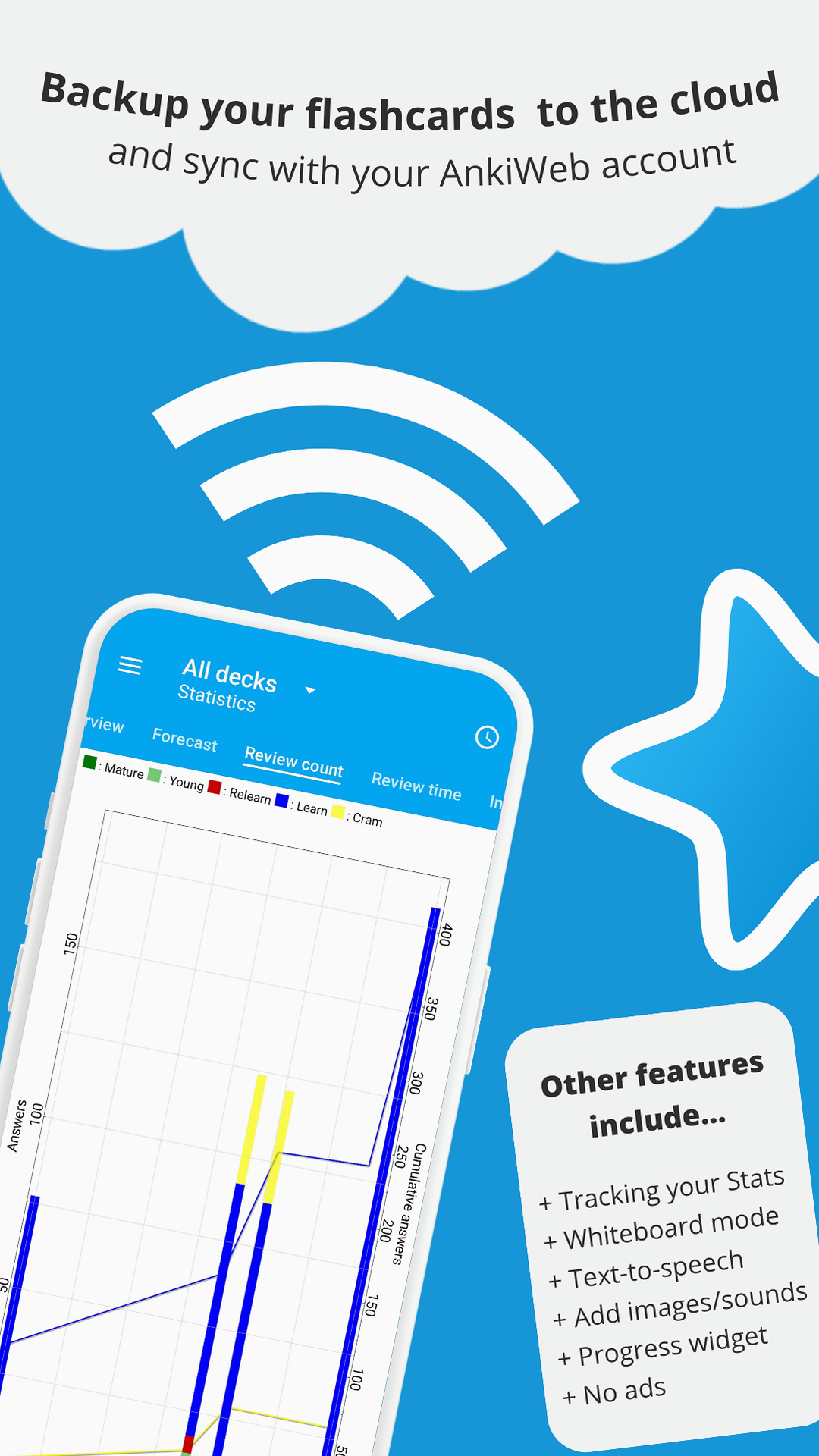
Anki web, AnkiWeb, Anki online - same service. Anki login is an AnkiWeb account. Sync from Anki desktop or the Anki app uploads decks and review history. Shared decks still import locally first.
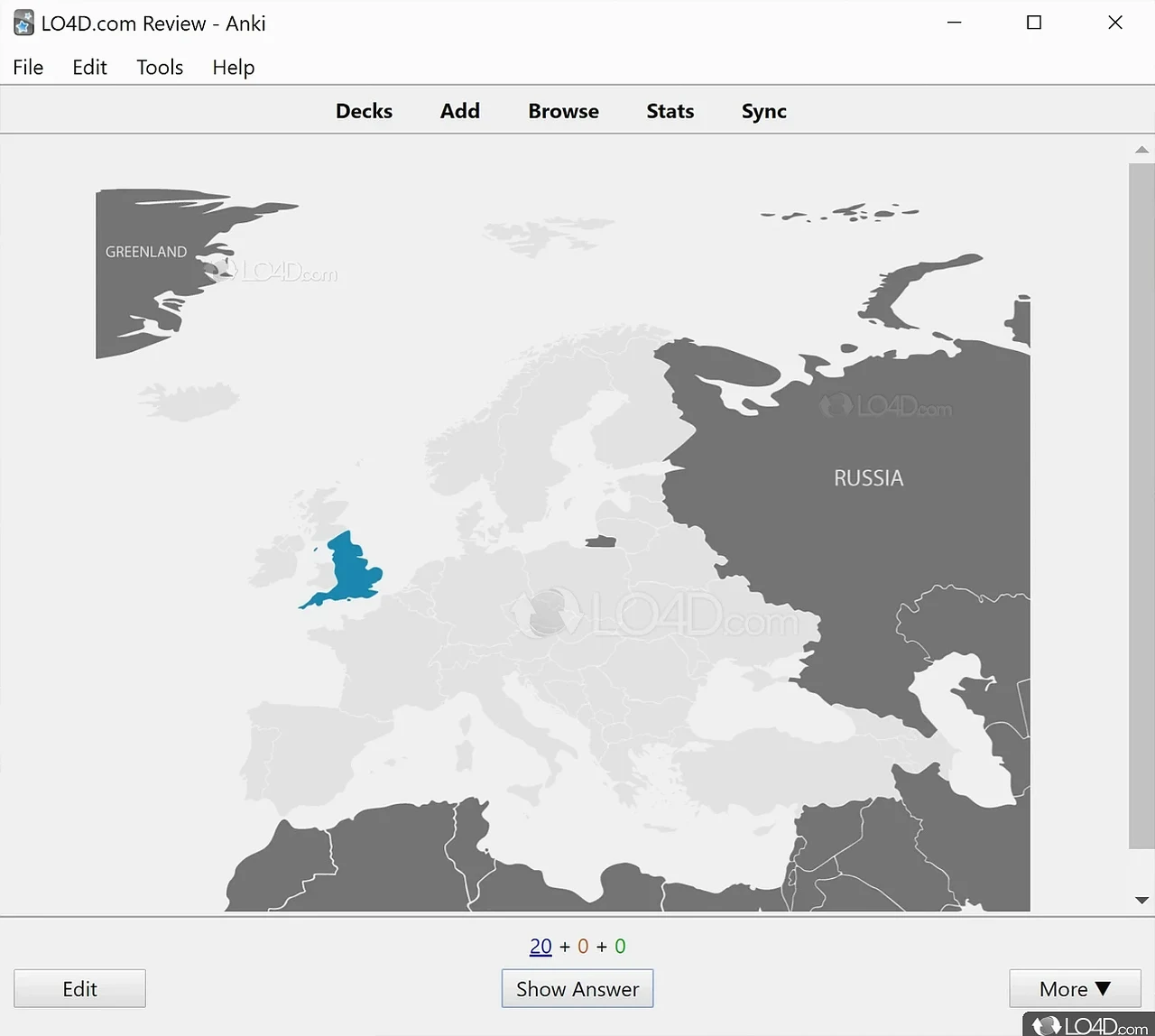
Create an account at ankiweb.net. In Anki desktop the top bar is Decks · Add · Browse · Stats · Sync. First sync may upload or download - read the prompt. Ankiweb login on the phone is the same email.
Anki online reviewing in the browser is limited. AnkiWeb is a companion, not a replacement for Download Anki on PC.
People type “anki app” for AnkiDroid, AnkiMobile, or AnkiWeb in a tab. The Anki app that owns the collection is still desktop. Phones review.
Do not add notes on two devices offline and sync both. One device is the writer. If Anki complains, pick Upload or Download deliberately.
Anki 2.1.57+ ships a sync server. Advanced only. Default remains AnkiWeb. Media sync can take a while on huge Japanese audio decks.