 Anki
AnkiFSRS Anki
FSRS Anki is the modern scheduler (Anki 23.10+). Deck options → FSRS. It predicts stability instead of a naive ease factor. Same retention, fewer reviews, if you rate honestly.
Home / Study
How to use Anki · FSRS Anki
Install Anki, open a deck, Study. Show Answer. Again / Hard / Good / Easy. That loop is the whole program. FSRS Anki (or SM-2) picks the next interval. Update Anki when 26.x ships so the scheduler stays current.
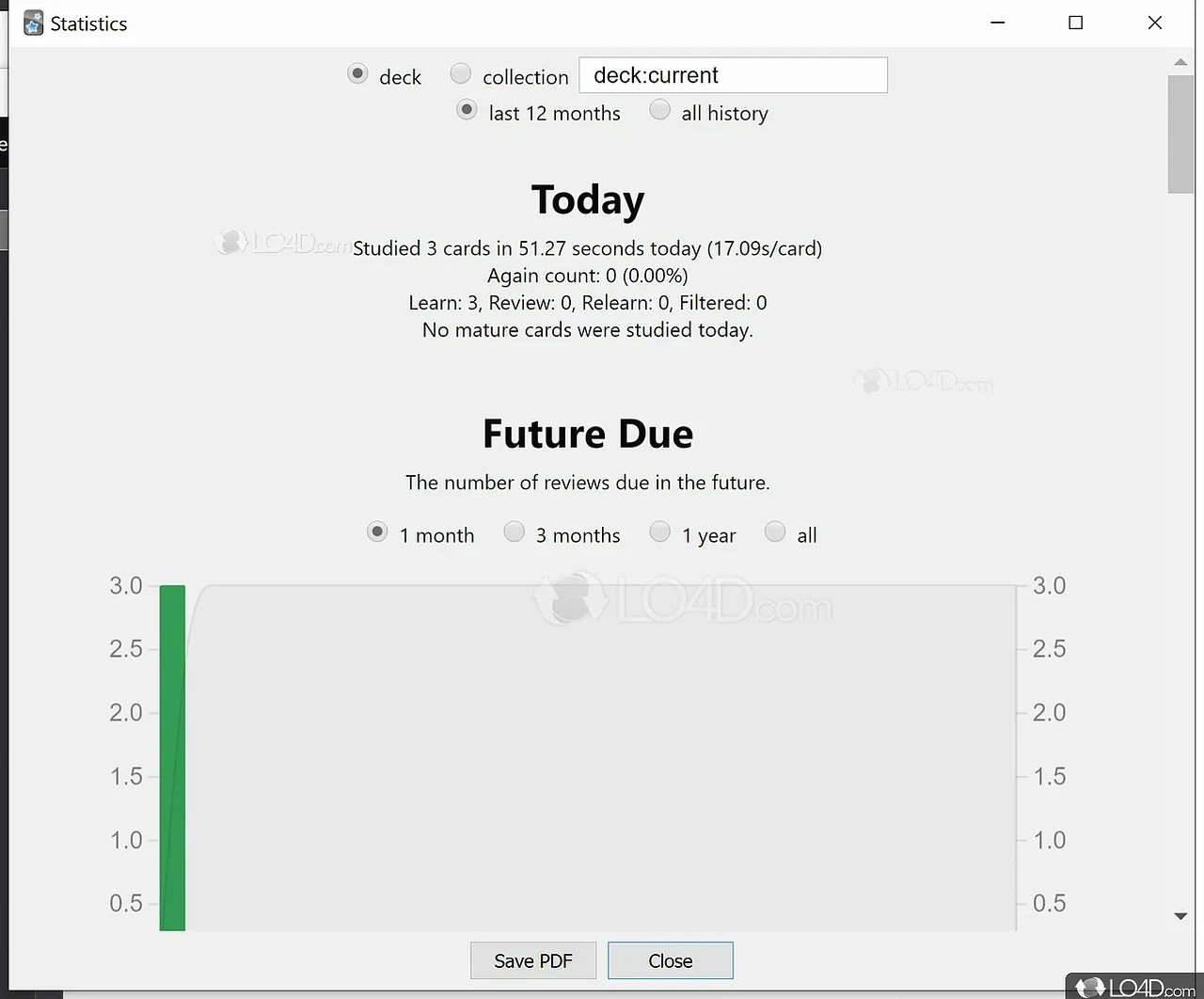
Today, Future Due, Review count. If Future Due is a cliff, your new-card limit is too high. Anki screenshots of Stats are the honest version of “I’m doing 500 cards a day.”
FSRS Anki is the modern scheduler (Anki 23.10+). Deck options → FSRS. It predicts stability instead of a naive ease factor. Same retention, fewer reviews, if you rate honestly.
Blue / red / green counts on the deck list. Cap new cards. Reviews are the point. “How to use Anki” fails when new cards outrun reviews.
Help → Check for Updates, or grab the latest MSI/DMG on Download Anki. How to update Anki on Mac is the same: replace the app, collection stays in ~/Library or %APPDATA%.
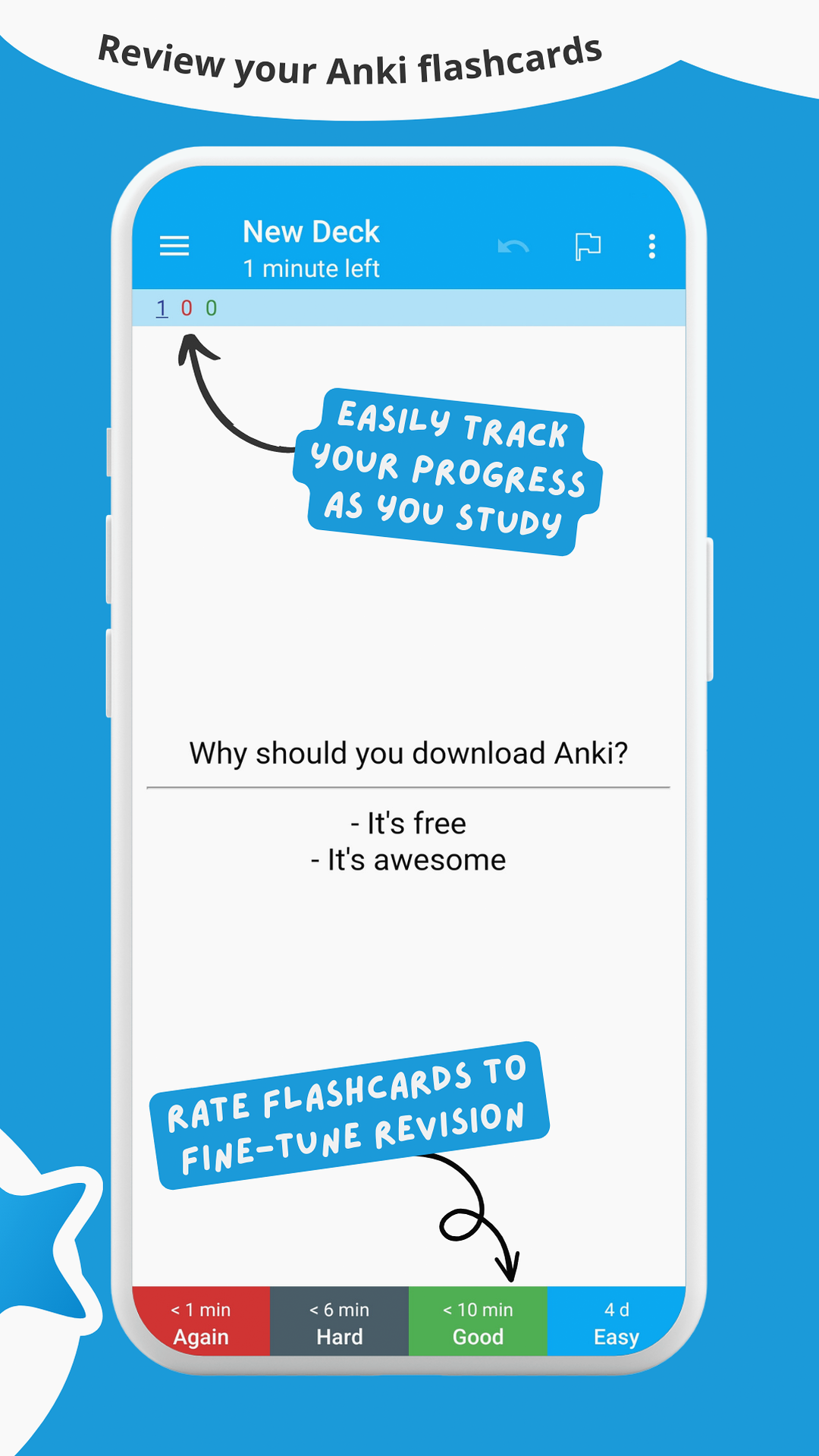
AnkiDroid and Anki iOS show the same four buttons. Study on Anki PC in the morning, finish reviews on Anki Android at night after AnkiWeb sync. That is the actual “how to use Anki” workflow, not a 40-minute settings tour.
Download Anki. Create a tiny deck or import one shared deck you already understand. Add 5 notes. Study. Stop when new cards feel cheap. Read the manual after you have a streak, not before.
New collections should turn FSRS on. Old collections can optimize FSRS from review history. Do not toggle every week.